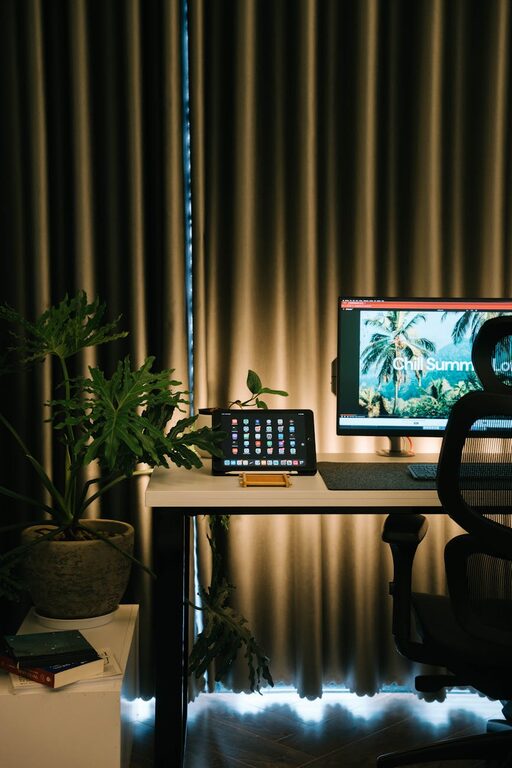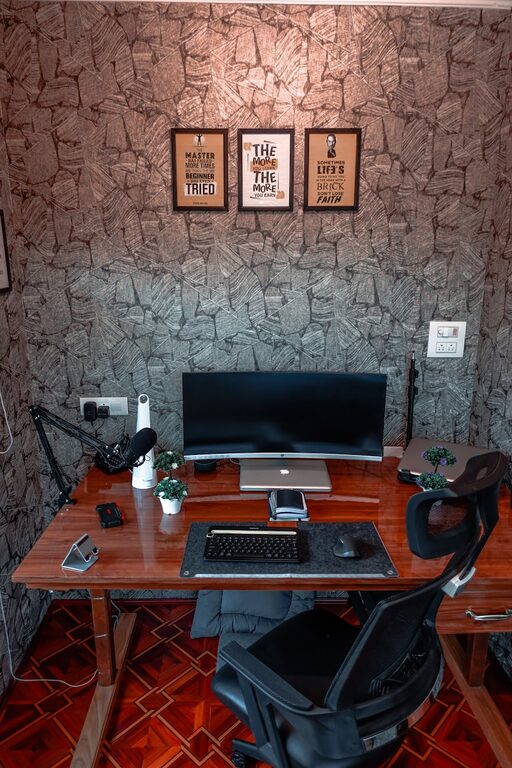

Creating a clutter-free workspace is more than just making your area look tidy—it can significantly improve your productivity, focus, and overall well-being. Whether you’re working from home or in a traditional office, a well-organized workspace helps reduce stress and distractions, making it easier to stay on task. Here are some simple, practical tips to help you organize your workspace effectively.
1. Start with a Clean Slate
Before you begin organizing, take everything off your desk and clean the surface. Wipe down your desk, keyboard, mouse, and any other equipment. This fresh start lets you assess what you really need and what can be removed.
Why it matters:
– Gives you a fresh perspective.
– Helps identify unnecessary items.
– Ensures a hygienic work environment.
2. Declutter Regularly
Clutter tends to accumulate over time. Schedule a quick 5 to 10-minute cleanup at the end of each day or week to maintain your organized space.
Tips for decluttering:
– Keep only essentials on your desk.
– Sort through papers and file or recycle as needed.
– Limit the number of decorative objects.
– Store rarely used items elsewhere.
3. Use Functional Storage Solutions
Choosing the right storage solutions is key to keeping clutter out of sight but within easy reach.
Storage ideas:
– Desk organizers for pens, notepads, and small items.
– Drawer dividers to separate office supplies.
– Shelves or wall-mounted organizers to free up desk space.
– File holders or cabinets for paper documents.
4. Create Zones for Different Activities
If your workspace accommodates multiple tasks, consider organizing it into zones. This helps create a mental and physical separation between activities.
Example zones:
– Computer and digital work area.
– Paperwork and writing zone.
– Reference materials or books corner.
– Supplies and equipment storage.
5. Manage Cables Efficiently
Cables can quickly become tangled and messy, adding to the clutter.
Cable management tips:
– Use cable clips or ties to bundle cords.
– Label cables to identify devices easily.
– Position power strips under the desk or behind furniture.
– Consider wireless peripherals to reduce cables.
6. Digitize When Possible
Paper can take up a lot of space and create visual clutter. Where possible, digitize documents, notes, and receipts.
Benefits:
– Easier to search and retrieve information.
– Reduces physical storage needs.
– Helps maintain a cleaner workspace.
Use apps or cloud storage services to keep files organized and accessible across devices.
7. Personalize Thoughtfully
Adding personal touches to your workspace can make it more inviting but avoid overcrowding it.
Ideas for personalization:
– A small plant for a touch of greenery.
– One or two photos or art pieces.
– A favorite pen or notebook.
– A simple desk lamp for better lighting.
Keep it minimal to maintain a clean, uncluttered look.
8. Maintain Good Habits
Organization is an ongoing process. Building good habits ensures your workspace stays clutter-free long term.
Helpful habits:
– Put items back after use.
– Regularly review and remove outdated materials.
– Keep a trash or recycling bin nearby.
– Schedule periodic deep clean-ups.
9. Optimize Your Desk Setup
Make sure your desk and chair are set up ergonomically for comfort and efficiency.
Setup tips:
– Keep frequently used items within arm’s reach.
– Arrange your monitor at eye level.
– Use a desk that suits the amount of space you need.
– Ensure adequate lighting to reduce eye strain.
A comfortable setup encourages better organization and workflow.
Conclusion
A clutter-free workspace doesn’t happen overnight, but with simple steps and consistent effort, you can create an environment that supports your productivity and focus. Remember to regularly declutter, use smart storage solutions, and personalize your space with intention. Whether you’re working from home or in the office, these tips will help you maintain a neat, inviting, and functional workspace every day.
About the Author